
Description
Microsoft Office 2016 Professional Plus – Classic, Stable and Full-Featured Productivity Suite
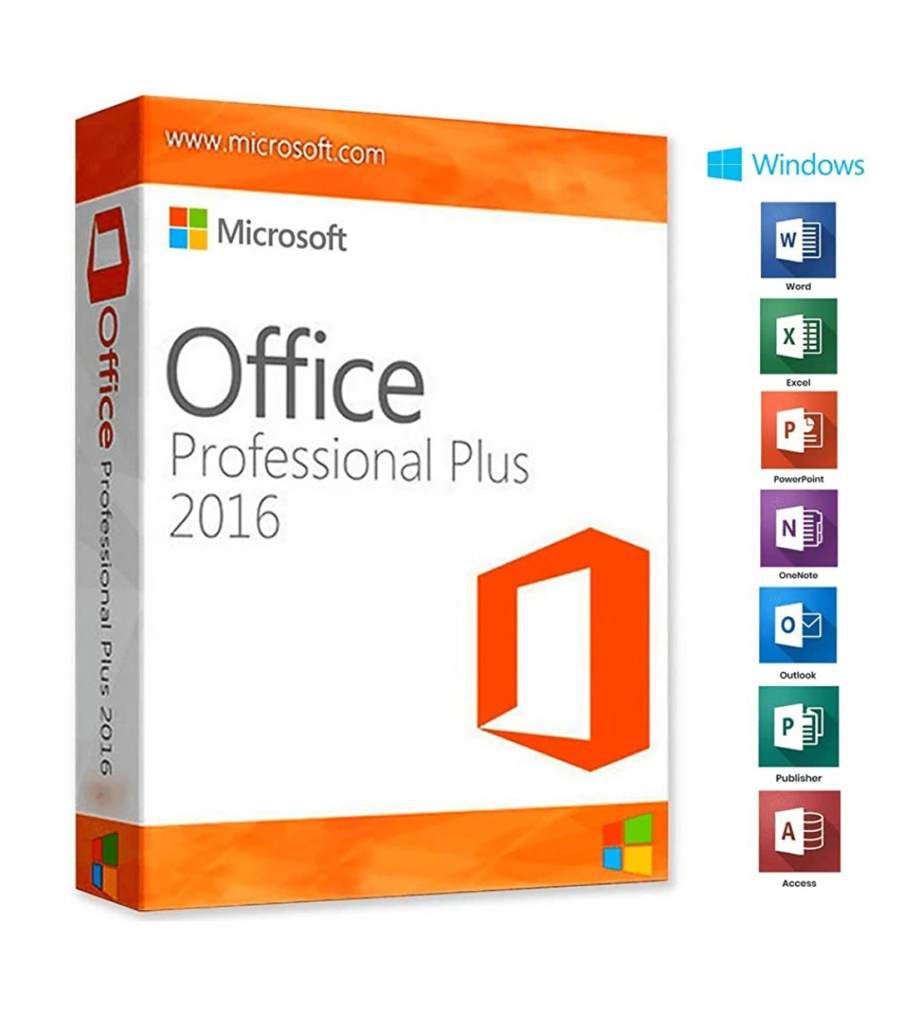
Microsoft Microsoft Office Professional Plus 2016 is a reliable and widely used productivity suite designed for professionals, businesses, and advanced users who need essential tools for document creation, data management, presentations, communication, and publishing. It is a one-time purchase version that provides long-term stability and offline productivity without subscription costs.
Whether used in offices, business environments, or personal setups, Office 2016 Professional Plus delivers a complete and trusted set of tools for everyday and professional tasks.
Key Features of Microsoft Office 2016 Professional Plus
- Complete Office Suite – Includes Word, Excel, PowerPoint, Outlook, Access, Publisher, and OneNote
- Multi-Language Support – Can be installed and used worldwide in multiple languages
- Digital License Activation – Simple and fast online activation process
- 64-bit Compatibility – Works efficiently on modern Windows systems
- One-Time Purchase – Permanent license with no recurring subscription fees
Why Choose Office 2016 Professional Plus?
Office 2016 Professional Plus is the most complete edition of the 2016 Office lineup. It includes advanced business applications such as Access for database management and Publisher for professional document design.
It is designed for users who want a stable, offline-capable version of Microsoft Office that focuses on reliability and essential productivity rather than constant feature updates.
According to Microsoft documentation, Office 2016 Professional Plus includes core applications like Word, Excel, Outlook, PowerPoint, Access, and Publisher, intended for business and professional use .
Included Applications
- Microsoft Word 2016 – Document creation and editing
- Microsoft Excel 2016 – Spreadsheets, calculations, and data analysis
- Microsoft PowerPoint 2016 – Professional presentations
- Microsoft Outlook 2016 – Email and calendar management
- Microsoft Access 2016 – Database creation and management
- Microsoft Publisher 2016 – Desktop publishing tools
- Microsoft OneNote 2016 – Note-taking and organization
Productivity and Collaboration Features
Office 2016 Professional Plus improves workflow efficiency with:
- Real-time collaboration and document sharing
- Improved Excel data analysis tools and chart types
- Enhanced PowerPoint design and presentation tools
- Better inking and annotation support
- OneDrive integration for cloud storage and file access
These features help users create, manage, and share documents more efficiently across teams and devices.
Security and Stability
This version focuses strongly on stability and long-term reliability:
- Built-in protection against common threats
- Secure file handling and sharing options
- Regular security updates during its support lifecycle
- Stable performance for business environments
- Offline functionality without dependency on cloud services
(Office 2016 support has officially ended in 2025, meaning no new updates are provided .)
Performance and User Experience
Office 2016 introduces a refined interface and improved performance compared to previous versions:
- Faster startup and application response
- Cleaner and more modern ribbon interface
- Improved compatibility with Windows 10/11
- Better handling of large documents and spreadsheets
Microsoft Ecosystem Integration
Office 2016 Professional Plus integrates with Microsoft services:
- OneDrive cloud storage support
- Microsoft account synchronization
- File sharing and collaboration tools
- Compatibility with Microsoft Office file formats
Why Buy Office 2016 Professional Plus?
- Full-featured Office suite with all essential apps
- One-time purchase (no subscription required)
- Stable and reliable long-term software version
- Includes advanced tools like Access and Publisher
- Suitable for offline and professional environments
- Widely compatible with older and newer Windows systems
Suitable For
Microsoft Office 2016 Professional Plus is ideal for:
- Businesses and office environments
- IT professionals and administrators
- Students and home users needing full Office features
- Users who prefer offline, stable software versions
- Companies using legacy systems


Reviews
There are no reviews yet.